LumiNest: Nature
48 words · 144 video scenes
- Animals
- Insects
- Nature
- Ocean

Real-world videos and warm narration help your toddler learn first words. Pick two languages and every video can speak both, side by side.
Unlock once and it is yours: no ads, no subscriptions, and purchases stay behind a parent gate.
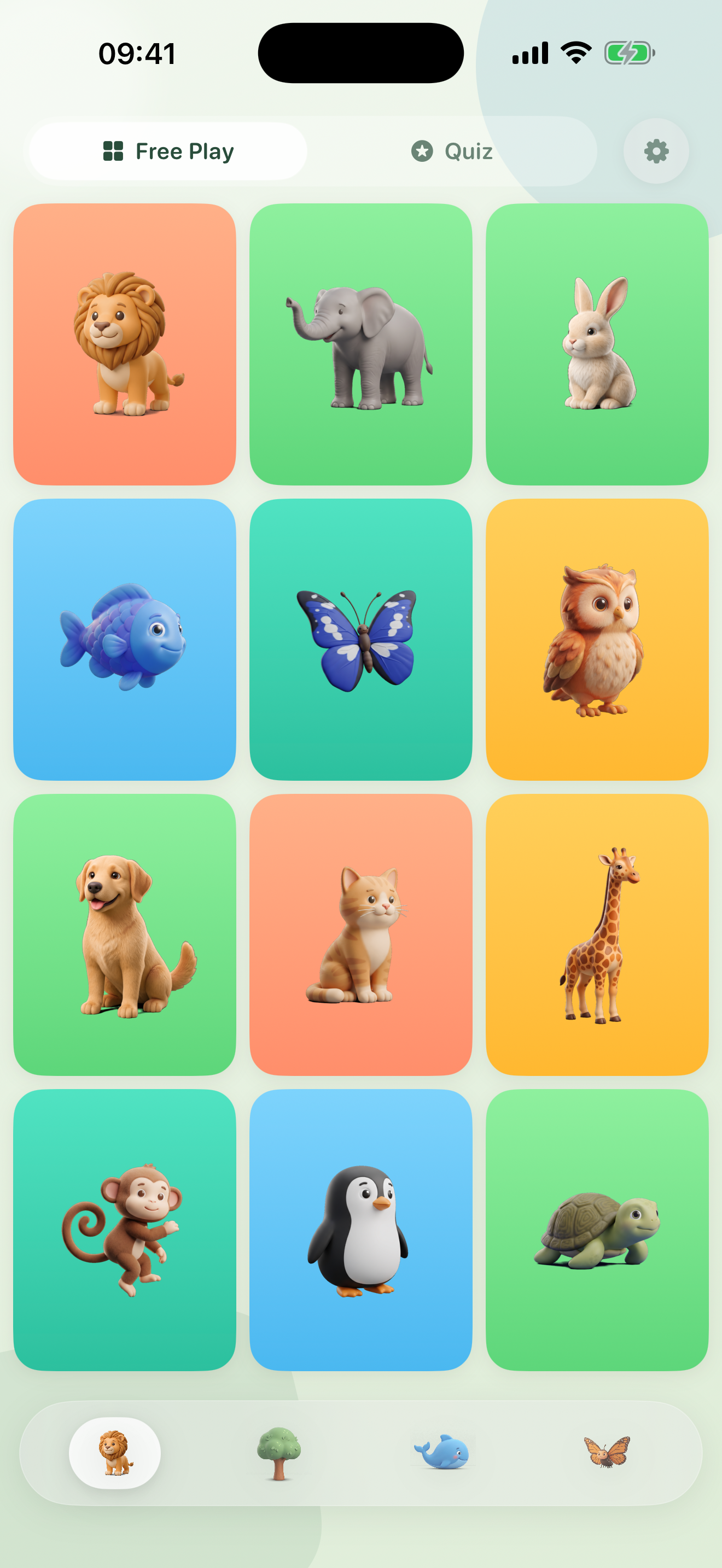
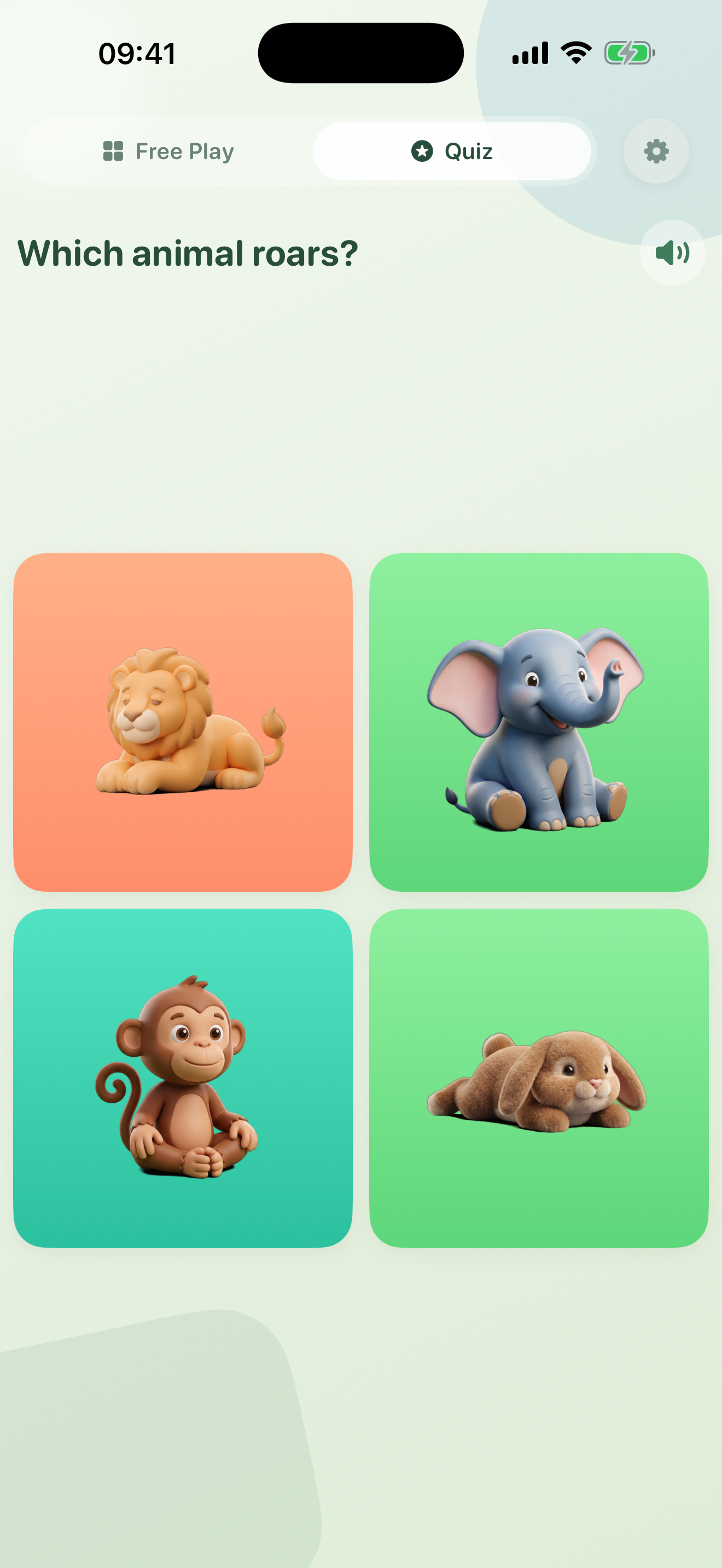
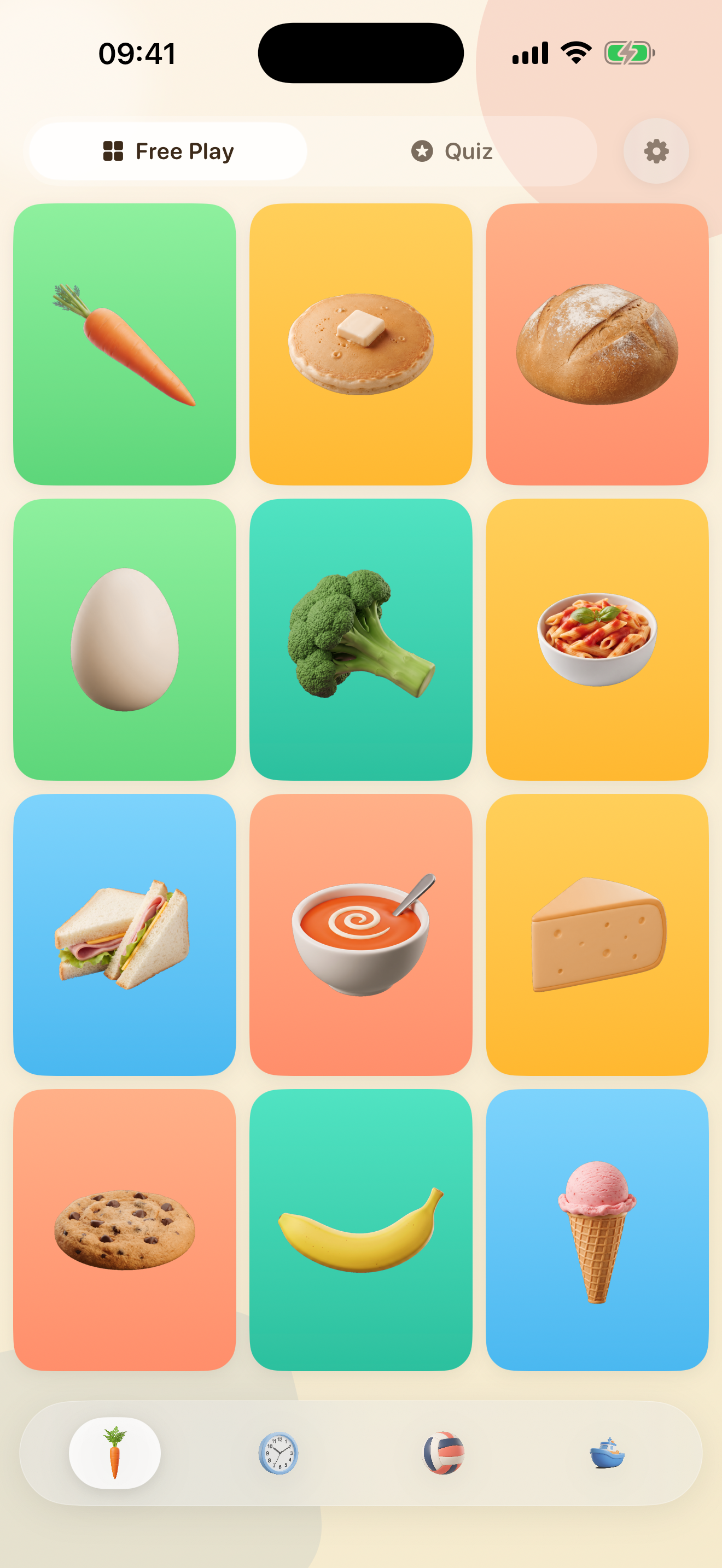
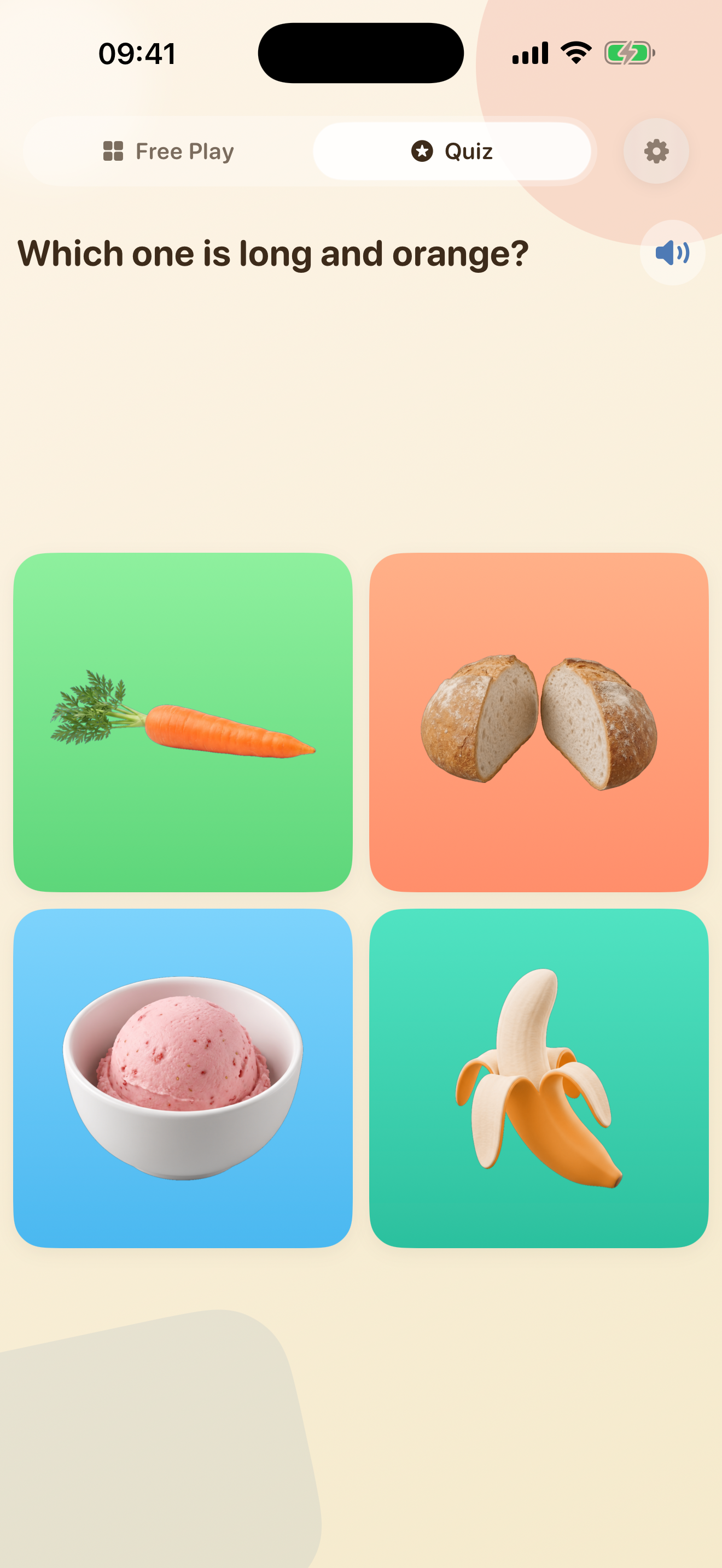
Each app gathers a family of word worlds in one place. Every word is a calm, real-world video with warm narration. We listened to early feedback: every app grew from one world of twelve words to four worlds and dozens more.
48 words · 144 video scenes
48 words · 144 video scenes
LumiNest started at home. My children are growing up half Cantonese, and when I went looking for calm first-words apps in their family's language, I found a wall of Mandarin and a lot of noisy cartoons. So I built what I wanted for my own kids: real videos, a warm voice, and two languages playing side by side. Cantonese and English were the first pairing, and my kids were the first users.
The deal stays simple on purpose. You unlock an app once and it is yours: no ads, no subscriptions, no streaks or coins, and nothing a toddler can tap into by accident. Purchases sit behind a parent gate.
The parent behind LumiNest
Every design decision is grounded in established research on how young children acquire language.
Children infer word meanings by encountering the same word across varied situations. Seeing "elephant" by water, between trees, and rolling in mud builds a richer understanding than a single static image.
Every word includes multiple scene variants. Tap to cycle through them.
When a child sees a real animal in motion while hearing its name spoken, two memory pathways activate together -visual and verbal. This multi-sensory pairing produces stronger retention than either channel alone.
Video and narration are tightly synchronized.
Self-directed learning produces deeper encoding than passive watching. Research consistently shows that active engagement -choosing what to explore and when -strengthens memory formation.
The child taps to start, cycle, and close. Quiz mode asks, and the child finds. No auto-advance.
Toddlers struggle to transfer learning from cartoons to real objects. A child who learns "lion" from a cartoon may not recognize a real lion. Documentary footage bridges this gap.
All video is calm, real-world footage.
Word learning happens in two stages: a rapid initial link (fast mapping) and gradual deepening through varied encounters (extended mapping).
"Short" mode for fast mapping, "Full" mode for extended.
Overstimulation impairs learning in young children. Loud music, rapid transitions, and flashing visuals compete for attention rather than supporting it.
No music, no effects, no ads. Just the subject and natural sound.
★★★★★"My daughter asks for 'the animals' every morning. She learned 'elephant' and 'butterfly' in the first week -and she's only 18 months."
— Marieke Jansen
★★★★★"Finally screen time I don't feel guilty about. No chaos, no ads, no manipulative design. Just calm videos and a warm voice."
— Katharina W.
★★★★★"We use it in Dutch at home and English at grandma's. Switching languages is so simple. Both kids love the real animal videos."
— Anouk de Vries
★★★★☆"My son is obsessed with the vehicles app. The only thing I'd change is adding a way to favorite specific videos -he wants to watch the fire truck on repeat."
— Emma S.
★★★★★"As a speech therapist, I recommend this to parents all the time. The narration modes are exactly right -short labels for early learners, full sentences for kids who are ready."
— Fleur Bakker
Documentary-style footage, not cartoons. What they see on screen looks like real life.
Word only, full context, or silent. Warm voiceover paced for ages 1–5.
Pick any two of 15 languages and every video can speak both, alternating or back to back.
No ads, no tracking, no third-party anything. What you unlock is simply yours.
Buy once, share with everyone. All purchases support Apple Family Sharing. No extra cost.
Spoken questions invite your child to find the right video among the tiles: gentle recall, not just recognition, in whichever languages you picked.
Settings are hidden behind a parent gate. No links out, no social features, no way for kids to wander off.
Every world starts with free words to explore, and the full unlock comes with a 7-day free trial.
Every video and voice ships inside the app. Airplane mode, the cabin in the woods, the back seat: it all just works.
Long-press anywhere on the main screen to open Settings. Choose from 15 languages, and add a second one to hear every video in both.
Short says just the word ("Lion!"). Full adds context ("A lion rests on a warm rock"). Off plays the video silently. You can switch modes in Settings.
Long-press (hold for 2 seconds) anywhere on the main grid screen. This parent gate prevents toddlers from accidentally changing settings.
Every world starts with free words to try, and the 7-day free trial opens the complete app: every word, every video, every language. After that, a single one-time purchase unlocks everything for good. No subscription, no recurring charges.
No. There is a free trial to see if your child loves it, and after that a single one-time purchase per app. Nothing renews, nothing recurs, and Family Sharing is included.
No ads and no third-party tracking, ever. The apps send us only our own anonymous usage counts, so we can see what helps children learn; nothing identifies you or your child, and nothing is shared or sold. See our Privacy Policy for details.
Designed for children ages 1 to 5. The simple tap-based interface works for toddlers, while the vocabulary and video content stays engaging for older preschoolers.
Yes. All purchases support Family Sharing on iOS. Buy once and everyone in your family group gets access.